
FIG 0.1
Native controls
In Godot, Envy builds real Control nodes from the document. Focus, gamepad input and theming stay the engine's own.
Design menus, HUDs and inventories on one canvas. The same file runs natively in Godot 4 and in the browser, and your programmers get a short contract instead of a folder of screenshots.
Envy is in alpha. We're building it on our own games first and opening it to a small group from the waitlist.
The Envy editor with The Last Hunt's main menu open. The New hunt menu item is selected, its states preview on the canvas, and the Intro animation plays on the timeline.
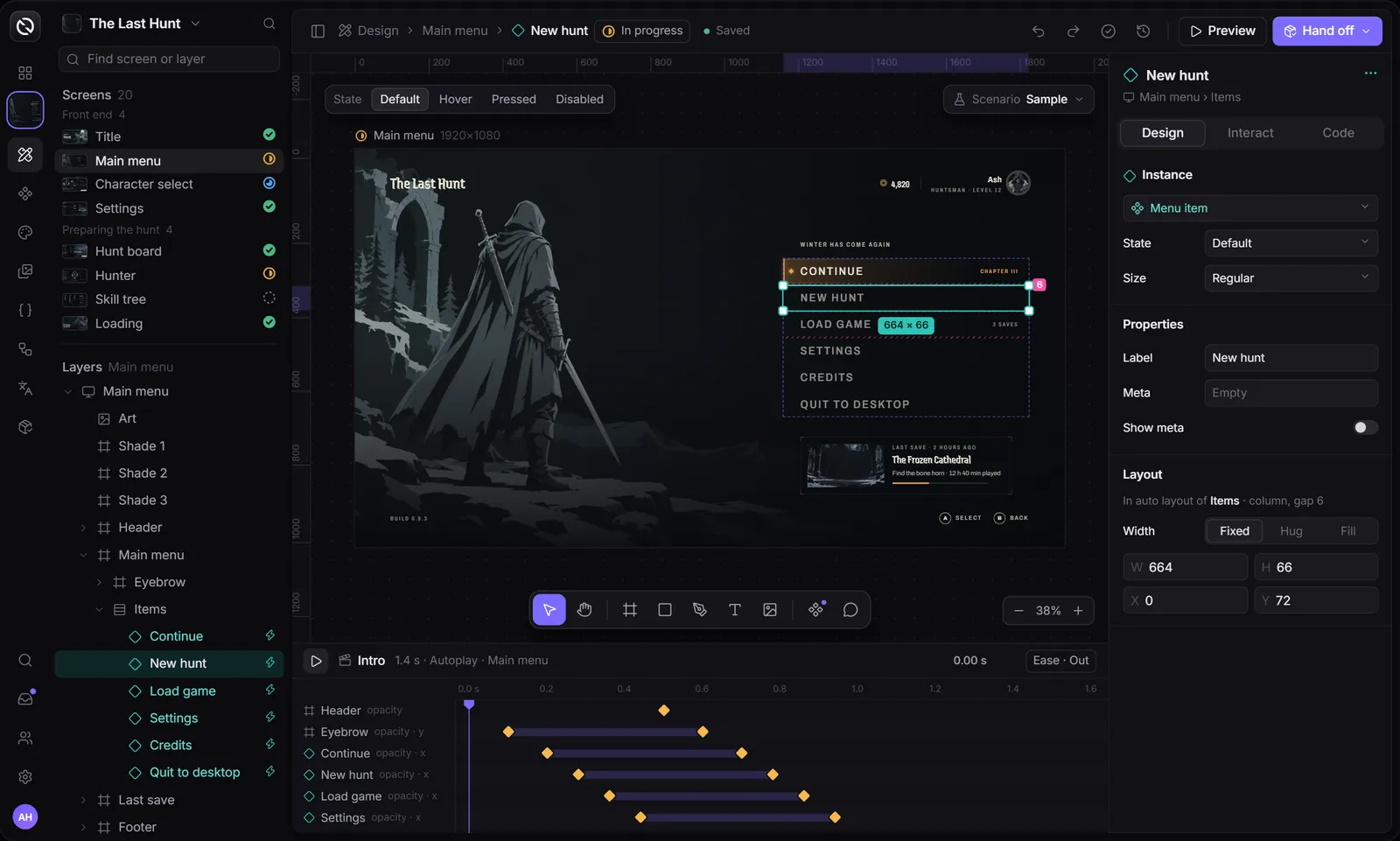
Shown: the editor's v2 design, now in development. Everything on its canvas works in the current editor; screen statuses, comments and team pages are Planned.
One .envy.json file, read natively wherever your game ships
In Godot, Envy builds real Control nodes from the document. Focus, gamepad input and theming stay the engine's own.
Layout, states, bindings and keyframes sit in one JSON file. The web and Godot runtimes both read it as is.
Your code only knows event names and data paths. Restyle and re-export as often as you like and it never changes.
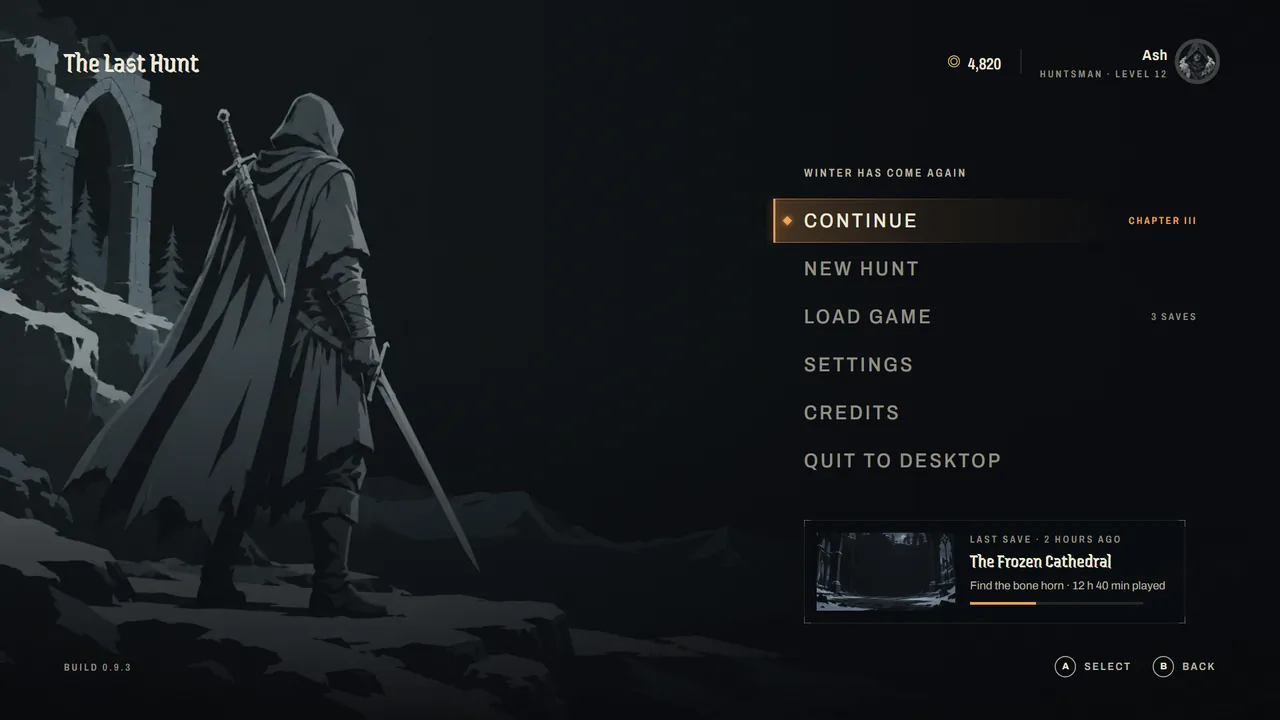
Rows and columns with gap, padding and wrap. In Godot they become VBox, HBox and Flow containers.
Pin a layer to an edge, a corner or the center. One layout covers 16:9, 21:9, 16:10 and 4:3.
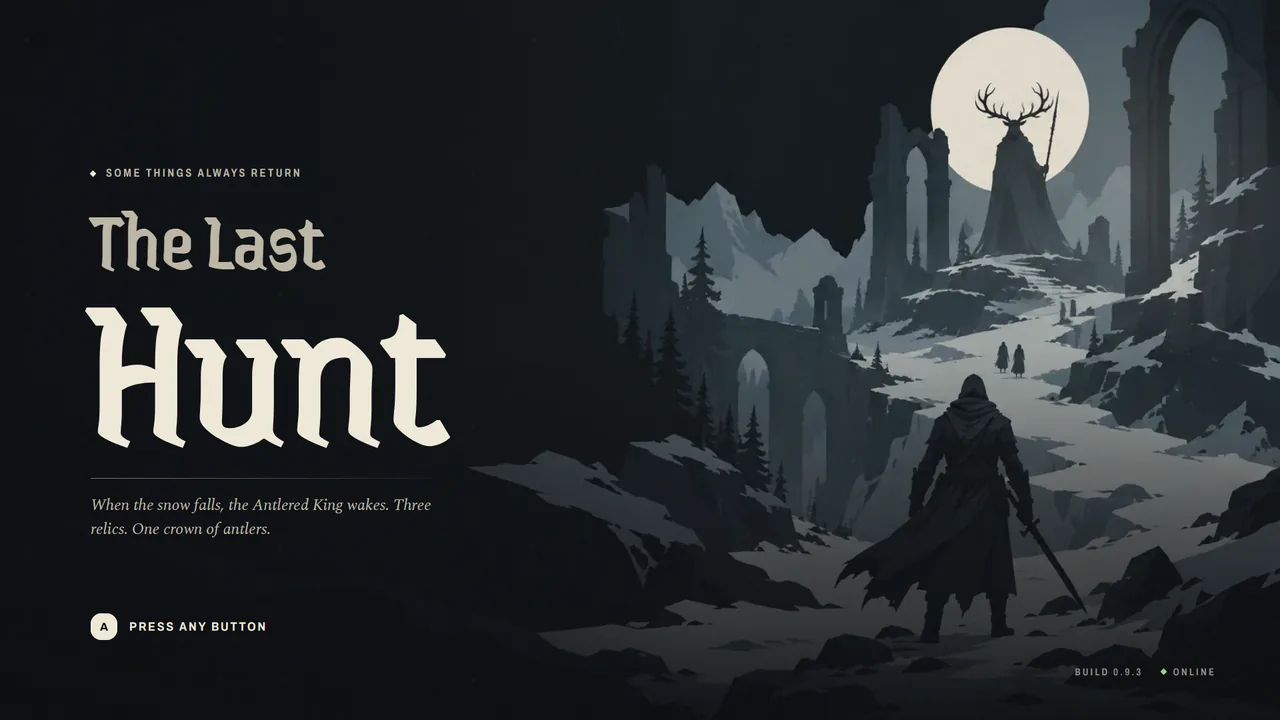
The Last Hunt uses 21 shared styles, from Display to Lore. Change one and every screen follows.
Every color is a token. Change $ember and every focus bar, meter and map marker follows.
The Last Hunt's Button is one set: 4 styles, 4 states and 3 sizes. Swap an instance between them in one click.
Hover, pressed and disabled are small patches on the component, and you preview them right on the canvas.
Expose a label, a toggle or a nested swap. An instance changes in one field instead of a dig through layers.
180 components in 30 sets ship with The Last Hunt, from glyphs and prompts to tooltips and toasts.
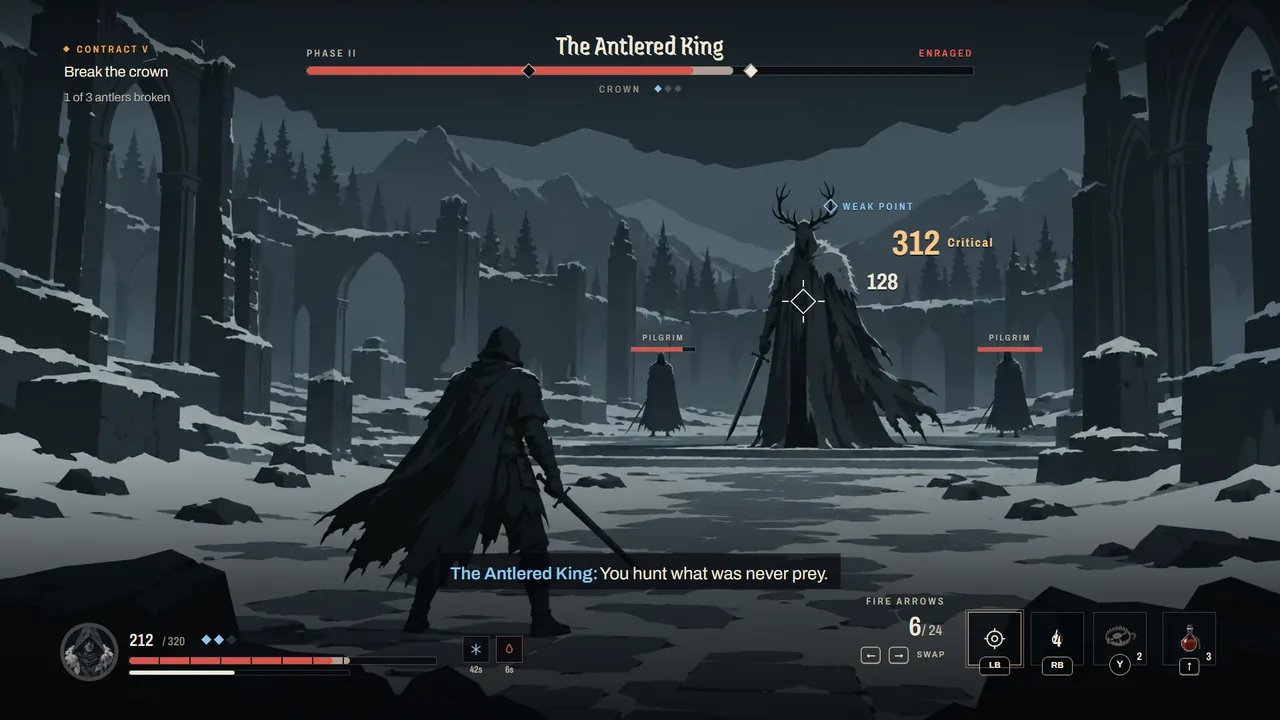
Bind text, value, max, visibility, opacity and disabled to paths like player.hp.
Save named states like Low health or Boss enraged, and check each one before the game sends real data.
Buttons emit named events. Game code listens for new_hunt, never for a particular button.
Go to a screen, open an overlay, set or toggle data, or play an animation, all without code.
Move a layer while recording and the timeline writes the keyframe for you.
Linear, in, out, in-out, back, elastic and step, with the same curves in GDScript and TypeScript.
Play on screen open, loop idle effects like the breathing prompt, or start one from a button.
Fade, slide or scale between screens, set per screen or per button, with reduced motion respected.
A zip with the addon, your document and a demo scene. Open it in Godot and press F6.
One file anyone can click through in a browser. Good for playtests and for the person who signs off.
AGENTS.md, the contract, screenshots and typed Godot and TypeScript code, ready for a coding agent.
Check documents in CI with envy validate and print the contract with envy contract.
One key per tool, ShiftA for auto layout, CtrlAltK for a component, and ? for the rest.
Drag guides off the rulers, add layout grids and hold Alt to measure.
Change the player color and the runtime redraws focus bars, meters and markers everywhere.
Search the full catalog, preview it on your own title, then embed it in the document.
Missing tokens, screens, assets and focus targets are caught before export.
Draw custom shapes with bezier points. Both runtimes draw them, with fills, strokes and shadows.
“The canvas is the web runtime in design mode, so it can’t drift from what ships.”
“Re-exporting a UI never touches game code.”
We use Envy on our own games today and invite people from the waitlist as it gets ready. Pricing comes later, and we'll say what it costs before it does.

Join the waitlist for alpha access. We'll write when your spot opens.