

Starter kitBuilt into the editor
A whole game UI to start from.
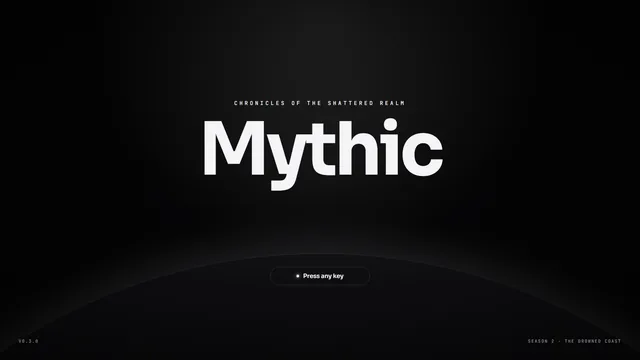
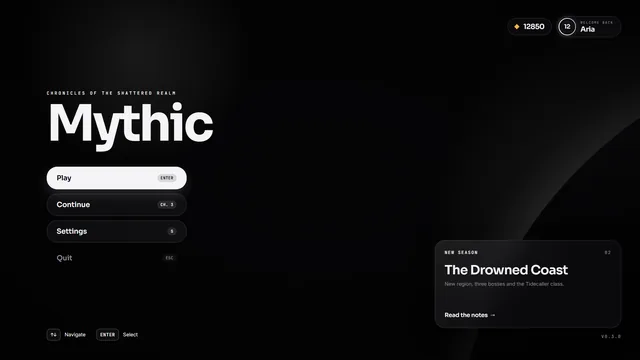
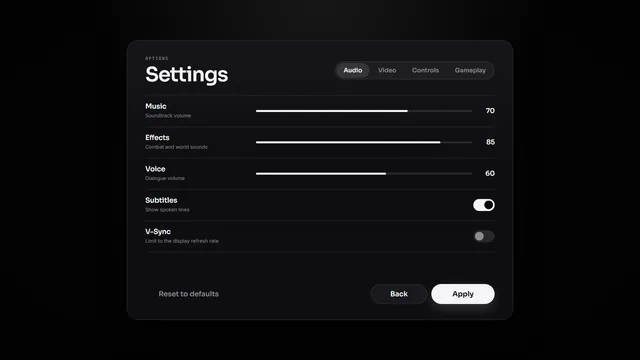
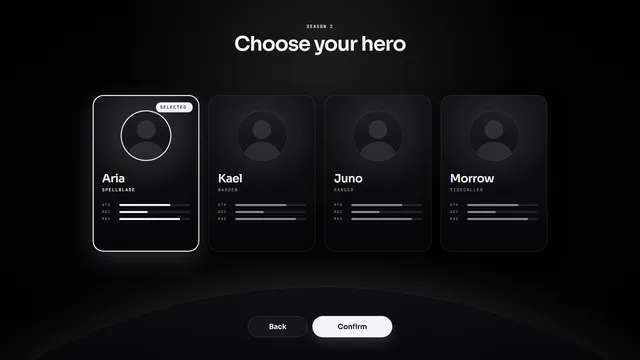
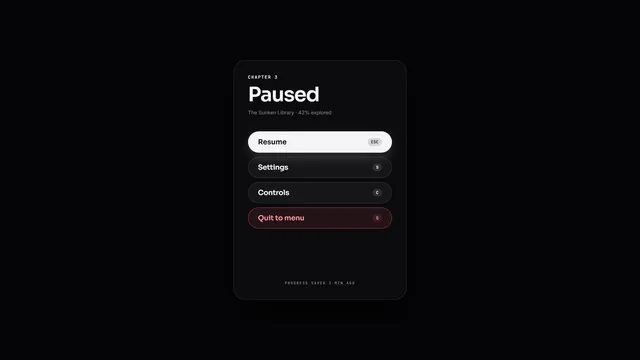
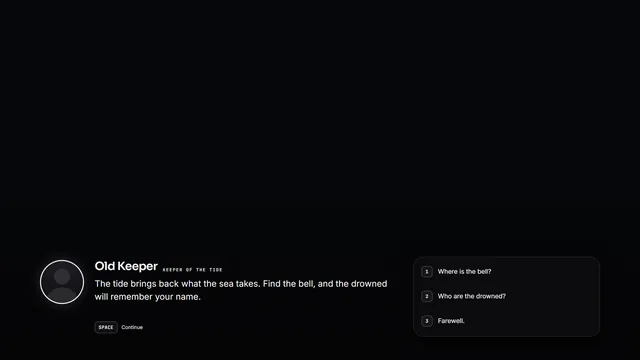
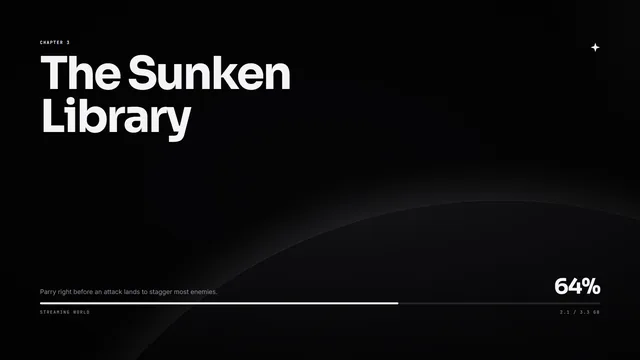
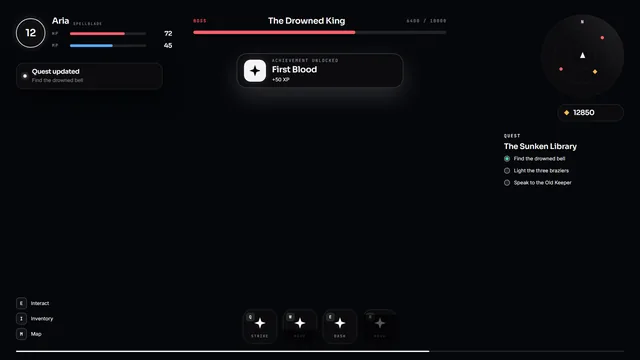
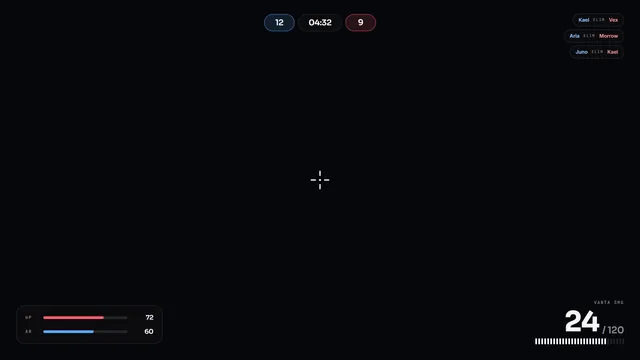
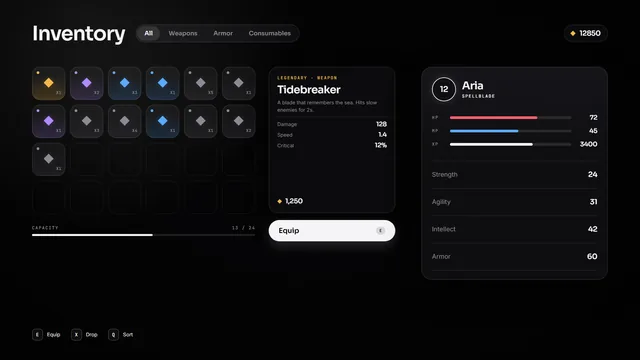
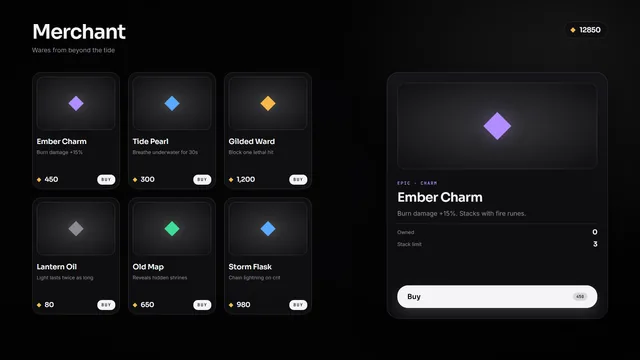
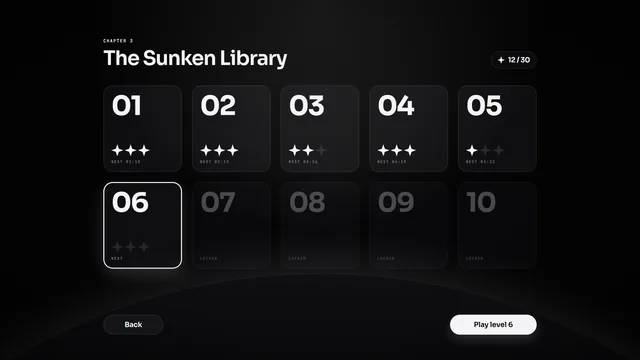
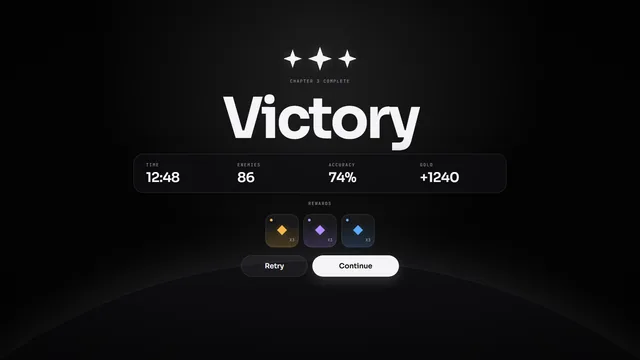
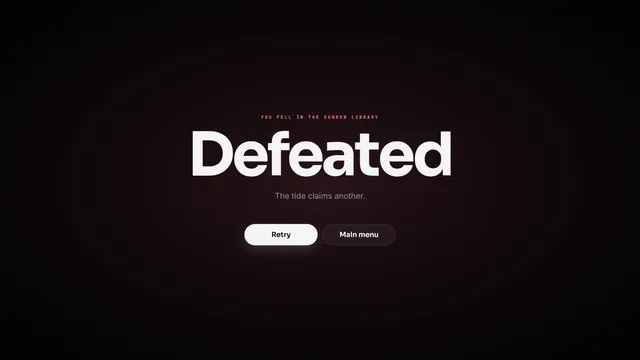
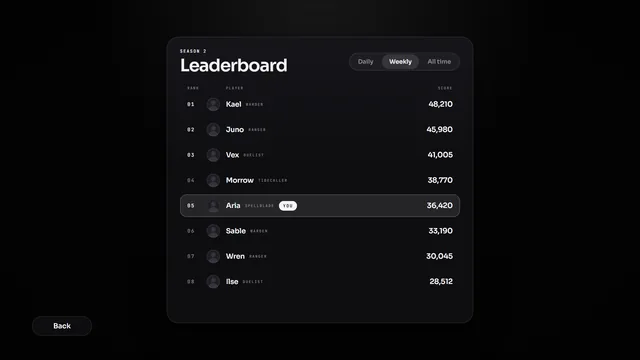
15 screens and 50 components on one token set, from the title screen to the leaderboard. Pick a theme and every screen follows. This is the kit that ships in the editor.
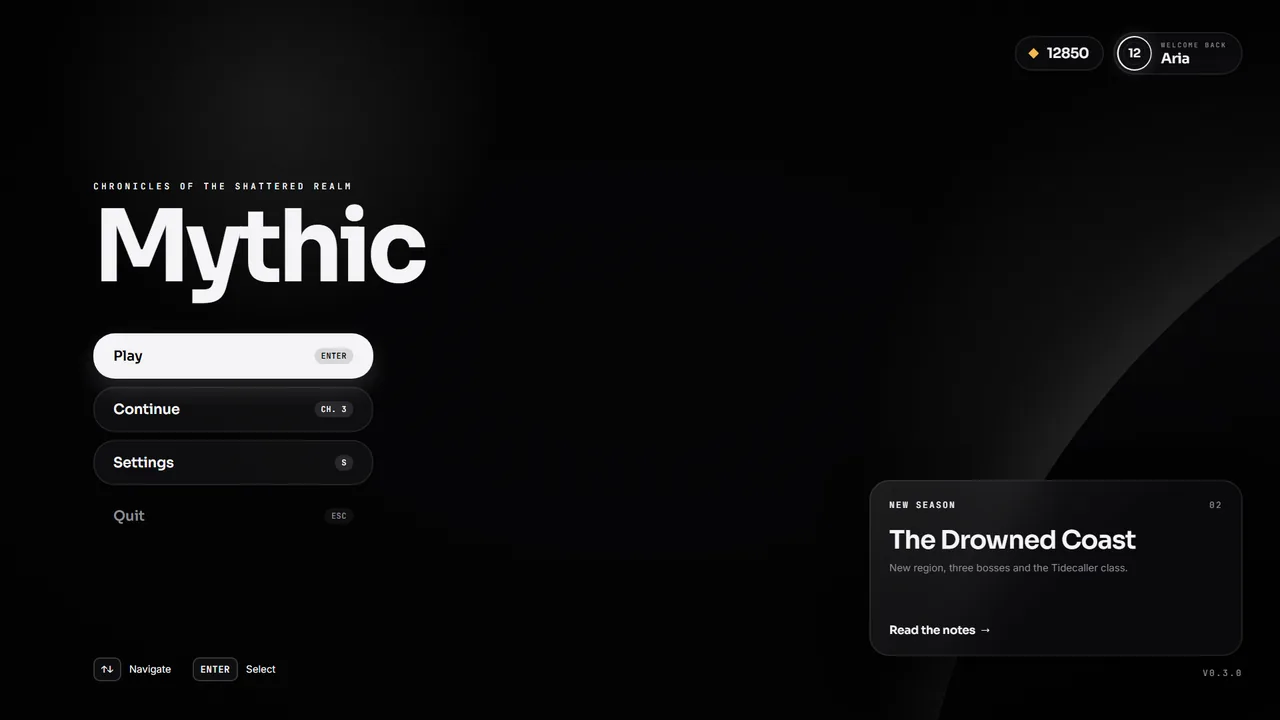
Theme 7 presets
Live runtimeEach theme is a set of color tokens. The runtime redraws the screen with the new values; no layer changes.
Every screen
Rendered by the web runtime, Onyx theme.
How to use it
Start a project from it
New project › Starter kit gives you all 15 screens to edit, rename and cut down.
Or pull pieces in
The Library panel inserts any of the 50 components into your own screens.
Restyle in one place
Pick a preset or change the tokens. Text styles (10) set the type for every screen.
Ship it as is
The kit is an ordinary Envy document, so it runs in Godot and the browser like anything you draw.